How to give an AI employee its first task
A five-minute guide to hiring your first Cyborg, assigning real work, and approving the results — no coding, no setup marathon.
Onboarding an AI employee is closer to hiring a teammate than installing a tool. You give it a name and a job, point it at a machine, hand it a task, and review what it brings back. Here's the whole loop.
Step 1 — Connect a machine
Install the Cyborg7 app on a computer you want to put to work. The app ships with a small helper — a daemon — that runs quietly in the background so that machine can host AI employees and stay connected to your workspace. You just install the app; the daemon takes care of itself.
Step 2 — Hire an AI employee
Create an agent, give it a name and a role, and pick the AI model behind it — Claude, OpenAI's Codex, Gemini, and more. You're never locked to one; if a better model ships next month, you switch. Unlimited AI employees are included on each machine, so hire as many as the work needs.
Step 3 — Set its freedom level
Before you hand over work, decide how much rope it gets. Start conservative and loosen up as you build trust:
- Read-only — it can look and suggest, but not change anything.
- Approval required — it does the work, then waits for your one-tap sign-off before anything lands.
- Independent — it runs on its own for routine, low-risk jobs, with everything still logged.
Step 4 — Assign a task and approve the result
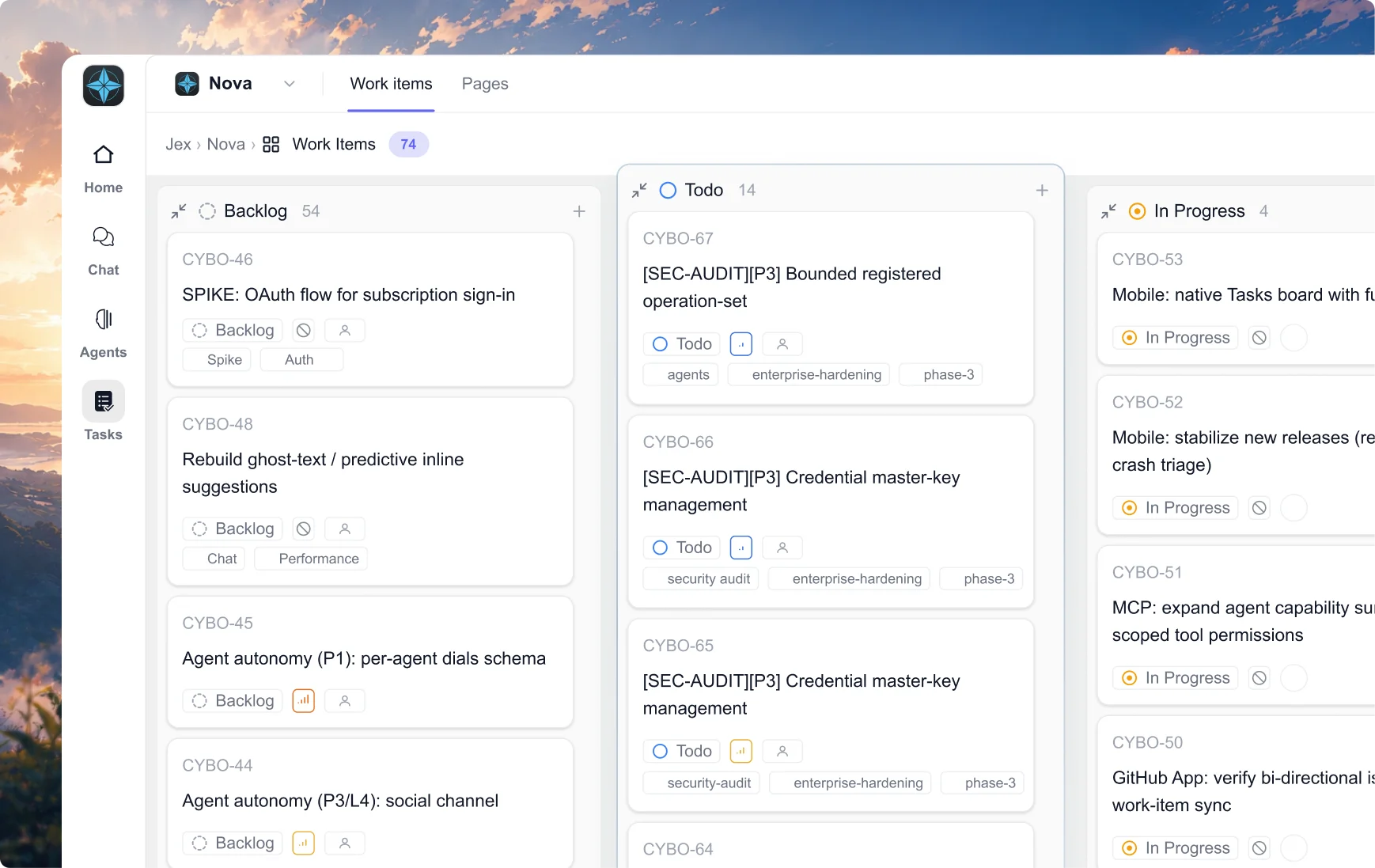
Drop a task on the board or just message the agent like you would a colleague: "Summarize this week's support channel and draft a status update." It holds a work session on the machine, does the job, and brings the result back. You review it, tap approve, and it's done. Anything that needs your judgment stops and waits — including while you're asleep.